
VBE_Extras catch-up #10: Next / previous code reference in this Project

When I first made VBE_Extras available for download, it contained a whole load of functionality that I never wrote blog posts about. I'm now setting that right for a few of the core areas of that functionality.
A declaration (for a list of all types of VBA declarations in the various possible scopes, see VBE_Extras catch-up #2: Listing all declarations) can have many references and sometimes you just want to go to the location of the next, or previous, reference of that declaration. That reference might be within the same procedure / property; it might be in the same Module but may or may not be visible on-screen; or it might be in another Module of your VBA Project.
The "Next code reference in this Project" and "Previous code reference in this Project" commands of VBE_Extras will do this for you, moving the cursor / selection through each reference in turn, in the order that they are present in the VBA Project (obviously, for procedure-level declarations then it will move only within the procedure / property and for Module-level declarations then it will move only within the Module).
You can trigger these commands through the VBE's main menu (Extras > Goto > Next / previous code reference in this Project). However, much more convenient is to use the keyboard shortcuts associated with the commands which, by default, are Ctrl+Shift+PgUp for "Previous code reference in this Project" and Ctrl+Shift+PgDn for "Next code reference in this Project". Note that keyboard shortcuts in VBE_Extras can be switched on or off and can be customised ... check the "Shortcut Keys" tab of the Settings.
Here's an example of the commands being used ... firstly for "i" which is a procedure-level declaration then for "PathJoin" which is a Module-level declaration.
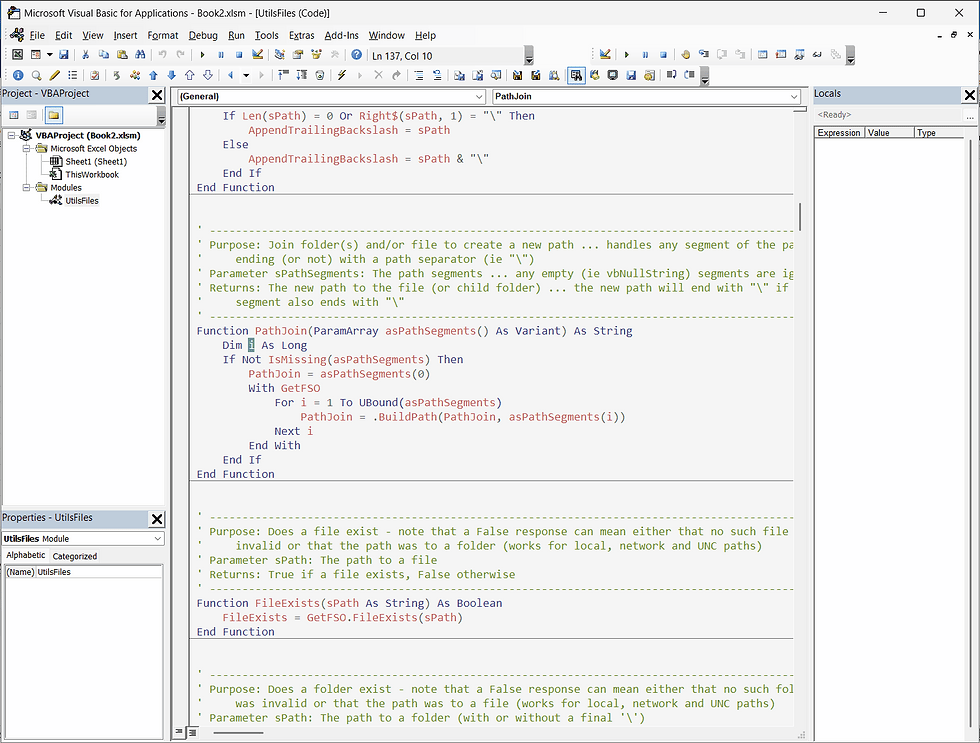
Note that each of the commands "wrap around" ... if you are at the last reference and use the "Next code reference in this Project" command then the first reference will be selected; if you are at the first reference and use the "Previous code reference in this Project" command then the last reference will be selected.
Note also that the word "code" in the commands is on-purpose: these commands only cycle through code references (not references in comments and not references in Strings).
Prefer a list of all references instead of jumping to each declaration? Use the References for code at cursor command instead.


Comments